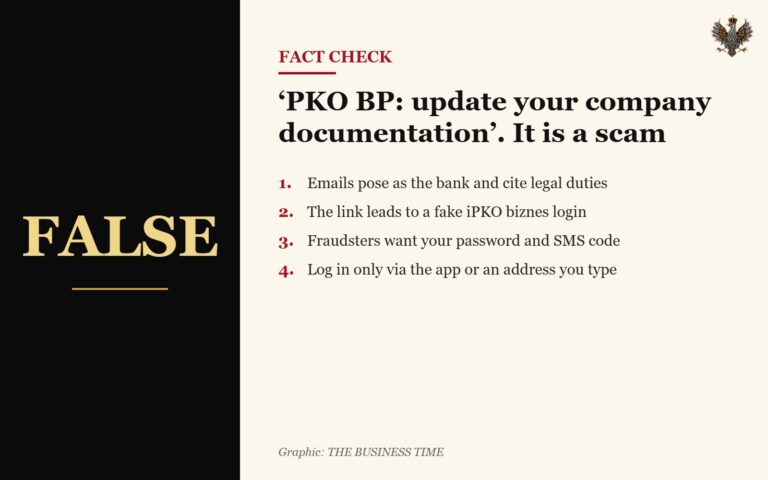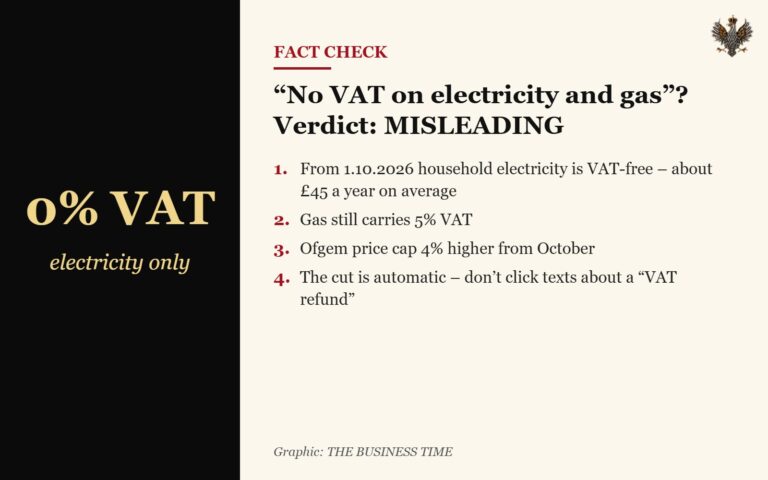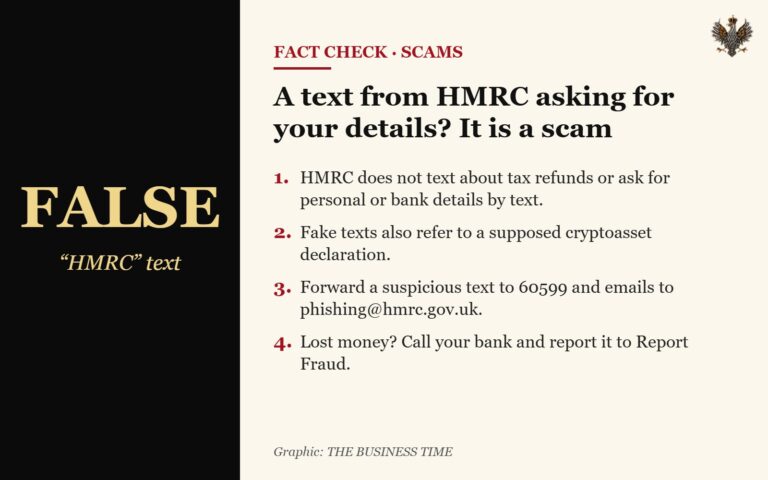
TBT CHECKS
Step 1. The source. Who published it? Is it an official government website (in the UK usually a gov.uk address), a known news outlet, or an anonymous account? Changing a single letter in a web address is a common fraudster’s trick.
Step 2. The date. Many “urgent” messages are old information being shared again. Rules and rates change, so check that the information is current.
Step 3. A second source. Important news about new rules or penalties will appear on gov.uk or in several reliable media outlets. If it is only in one post, be careful.
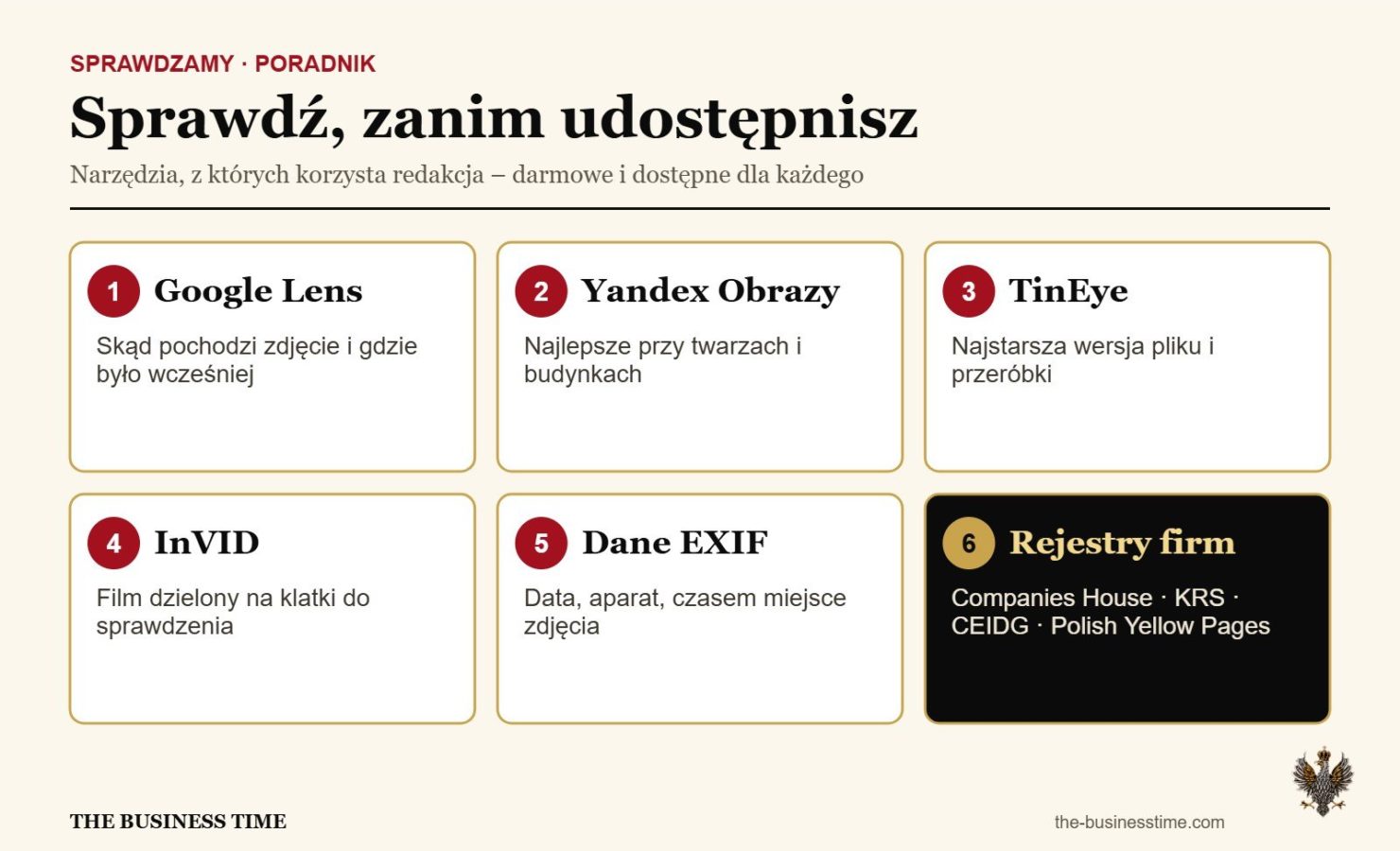
Step 4. The photo. A reverse image search (e.g. Google Lens or TinEye) will show whether the photo appeared earlier in another context. AI-generated images often have errors in hands, text and backgrounds.
Step 5. Video and emotions. Recordings designed to make you angry or afraid deserve especially careful checking. Look for unnatural mouth movement, lighting and sound. Best of all, look for the same event in other sources.
Editorial comment
The “TBT Checks” section was created because false information costs money. A fake “new HMRC penalty” circulating in Polish Facebook groups can lead someone to pay fraudsters, and an invented rumour about a business partner can ruin their company. If you see something suspicious, send it to us. We will check it.
What to do
- Before you share, check the source and the date.
- Look for confirmation on gov.uk or in at least two reliable media outlets.
- Use reverse image search to check photos.
- Do not make financial decisions on the strength of a single post or recording.
- Report suspicious information concerning businesses and Poles in the UK to us in the comments.
What do you think?
Have you come across a scam like this? What worked and what didn’t? Tell us in the comments below the article. We will cover the most interesting views in future editions.
Sources
© THE BUSINESS TIME / Argonauts Media Group Limited. Original editorial content. Copying, downloading and distribution without the publisher’s written consent are prohibited.
We assess factual corrections and substantive responses. Verified changes are reflected in our reporting.
Contact the editorial desk →